
Running a Sex Offender Check in Sumter County
The official starting point is the South Carolina Sex Offender Registry, also called the Sex Offender Registry Tool or SORT. SLED manages the system with county sheriffs, and the Sumter County Sheriff's Office supplies local registration updates. A county search is useful for broad community awareness. A name search is better when the reader has a reliable spelling. An address search can focus on a street, city, ZIP code, county, and the radius choices shown by the live system.
SORT is free. It is separate from SLED CATCH, the paid name-based criminal-history portal. CATCH does not search registry status. The South Carolina registry also sends automatic updates to the national NSOPW system, yet each tool serves a different role. Start with SORT for state detail, then use NSOPW when a search may cross state or tribal lines.
The official SLED registry page shows the conditions, notices, and entry route used for a Sumter County search.
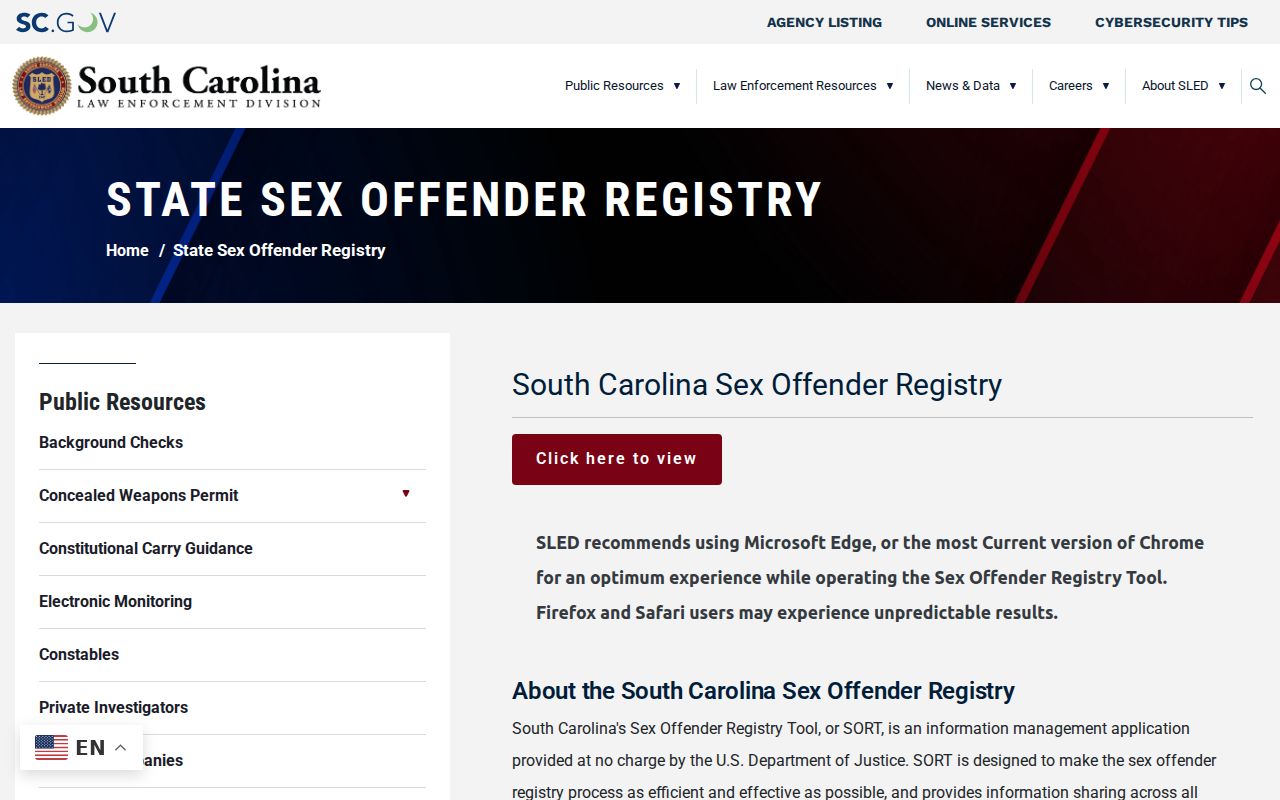
This official screen places the search terms and safety notices before any Sumter County registry results.
Sumter County SORT Entry Steps
SORT uses an access gate before it shows search controls. SLED recommends a current version of Edge or Chrome and warns that Firefox or Safari can act unpredictably. That browser note can explain a blank page or a control that does not respond. It is better to switch browsers than to assume Sumter County has no matching registry entries.
The registry also warns that facts can change fast. Some information comes from a registrant and may not yet have independent verification. Treat a map pin as a reported location, read the profile status and dates, and contact SLED or the sheriff when a safety question depends on current facts.
Note: A missing result can reflect spelling, search mode, system timing, or access trouble rather than a definitive absence from the registry.
Searching the South Carolina Sex Offender Registry / Sex Offender Registry Tool (SORT)
A Sumter County registry search begins only after the conditions and verification step. Prepare a name spelling or a location before entering. Do not rely on a result-list thumbnail alone. Open the profile and compare the public identifiers, reported location, offense facts, and registration status that SORT provides.
- Open the SLED registry entry, read the conditions of use, and accept them.
- Enter the displayed verification code and choose Continue.
- Select a name search or a location search. For county coverage, choose Sumter in the county control.
- Review map or list results, then open the full profile for the released details and status.
The available controls depend on the search mode. Exact radius choices should be read from the current screen because SLED does not publish them on the landing page.
| Field Label | Type | Required | Notes |
|---|---|---|---|
| Conditions of Use | Agreement | Yes | Must be accepted before access |
| Verification code | Captcha/text | Yes | Enter the shown code, then continue |
| Search by Name | Tab and text | One mode | Uses first and last name fields |
| Search by Location | Tab and location fields | One mode | Address, city, ZIP, county, and displayed radius controls |
| County | Dropdown | No | Select Sumter for county-oriented results |
| Map/List | View control | No | Changes the result presentation where enabled |
| Community Notifications | Link | No | Opens the alert-registration path |
Sumter County Registry Search Choices
A county filter and an address-radius search are not the same query. The Sumter County filter is the broader choice when the goal is county awareness. The location route is more focused and depends on the address and radius controls visible at the time. A name search is strongest when spelling is known, but aliases may also appear only after a profile opens.
For a person who may have lived outside South Carolina, the National Sex Offender Public Website adds a cross-jurisdiction search layer. NSOPW does not replace the Sumter County detail in SORT, and the state registry remains the place to review South Carolina notices and contact paths.
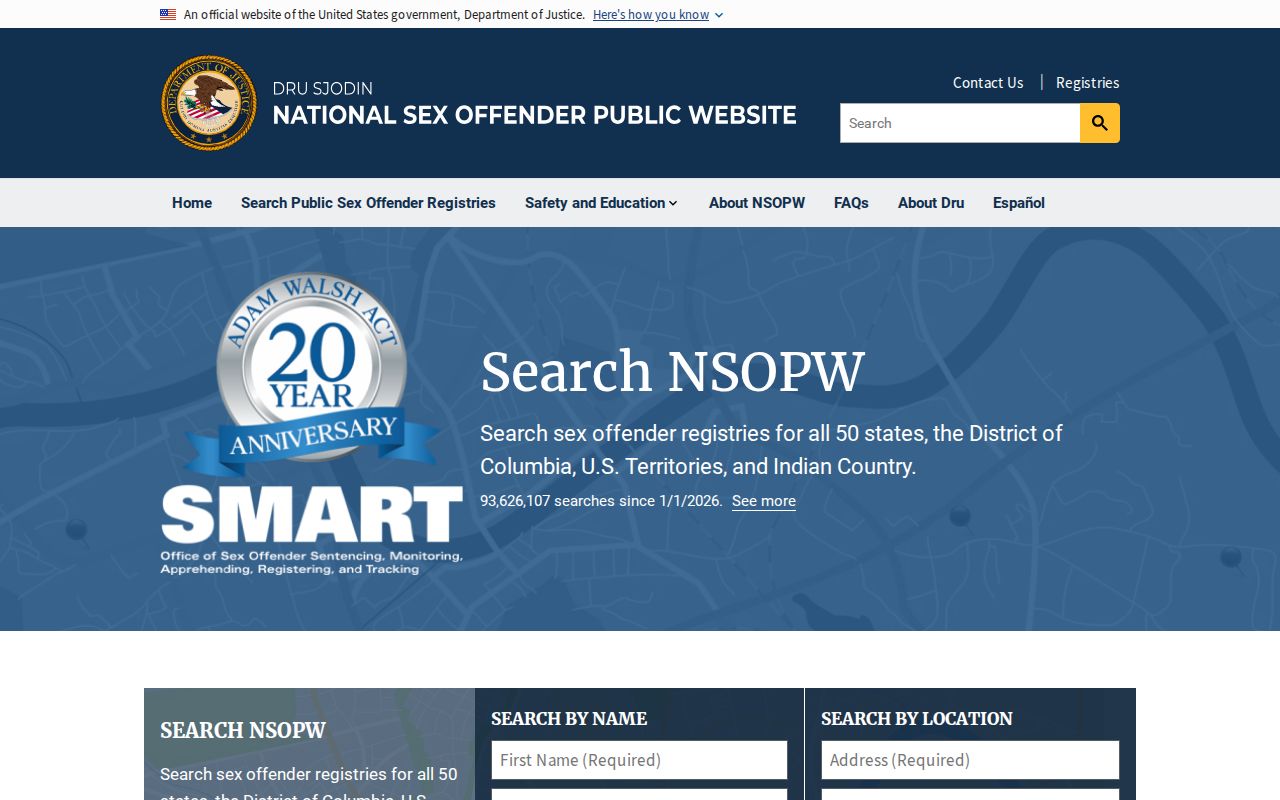
The national interface broadens the geographic reach while SORT remains the direct source for a South Carolina profile.
What a Registry Profile Shows
SLED describes SORT profiles as holding multiple photographs over time, a map of a reported residence, aliases, and all sexually related conviction offenses. Public fields can also include physical descriptors, reported addresses, conviction jurisdiction and date, statute or offense information, registration status, and other data released by law. Vehicle details or identifying marks may appear when the law and system make them public.
No single field should be read in isolation. A photograph helps distinguish similar names. An alias can explain why a first query missed a profile. Offense and conviction fields describe the basis for registration, while status fields speak to registration compliance. None of those fields establishes that a new crime has occurred.
| Name & Aliases | Public name information and known aliases shown by SORT |
|---|---|
| Photos & Description | Multiple photographs over time and public physical descriptors |
| Reported Address | Released address information and a map of the reported residence |
| Offense & Statute | Sexually related conviction offenses, dates, and jurisdictions made public |
| Tier | South Carolina tier tied to the qualifying offense and removal route |
| Registration Status | Public compliance or registration information available in the current profile |
Sumter County Registry Alert Signup
Community Notifications let a resident receive registry updates tied to the contact and location facts entered during signup. The path begins at the same conditions and captcha screen used for a search. After continuing, select Community Notifications, complete the requested contact and location fields, and accept the agreement terms.
Anyone registered for alerts in the system that came before SORT must register again. Old notification settings do not carry over automatically. The SLED community-notification path is the official place to create or renew those alerts.
The same state entry page routes Sumter County residents from registry conditions to search tools and notification enrollment. Keep the signup contact details current so later notices reach the intended recipient.
Registration Requirements and Levels in South Carolina
South Carolina law places qualifying offenses into three tiers. The table below describes the earliest removal channel, not an automatic end date. A person must keep registering unless and until written approval or a court order ends that duty. SLED checks state and federal history and consults the original prosecuting agency during an administrative review.
| State Tier | Public-law description | Earliest removal channel |
|---|---|---|
| Tier I | Enumerated lower SORNA-tier qualifying offenses | SLED administrative request after 15 years measured from the applicable statutory point |
| Tier II | Enumerated offenses including CSC second degree and child sexual-performance offenses | SLED administrative request after 25 years |
| Tier III | Enumerated most serious offenses including CSC first degree and specified child offenses | General Sessions motion after 30 years; no SLED administrative termination |
The South Carolina registration statutes provide the legal framework for registration, tiers, public access, and removal.
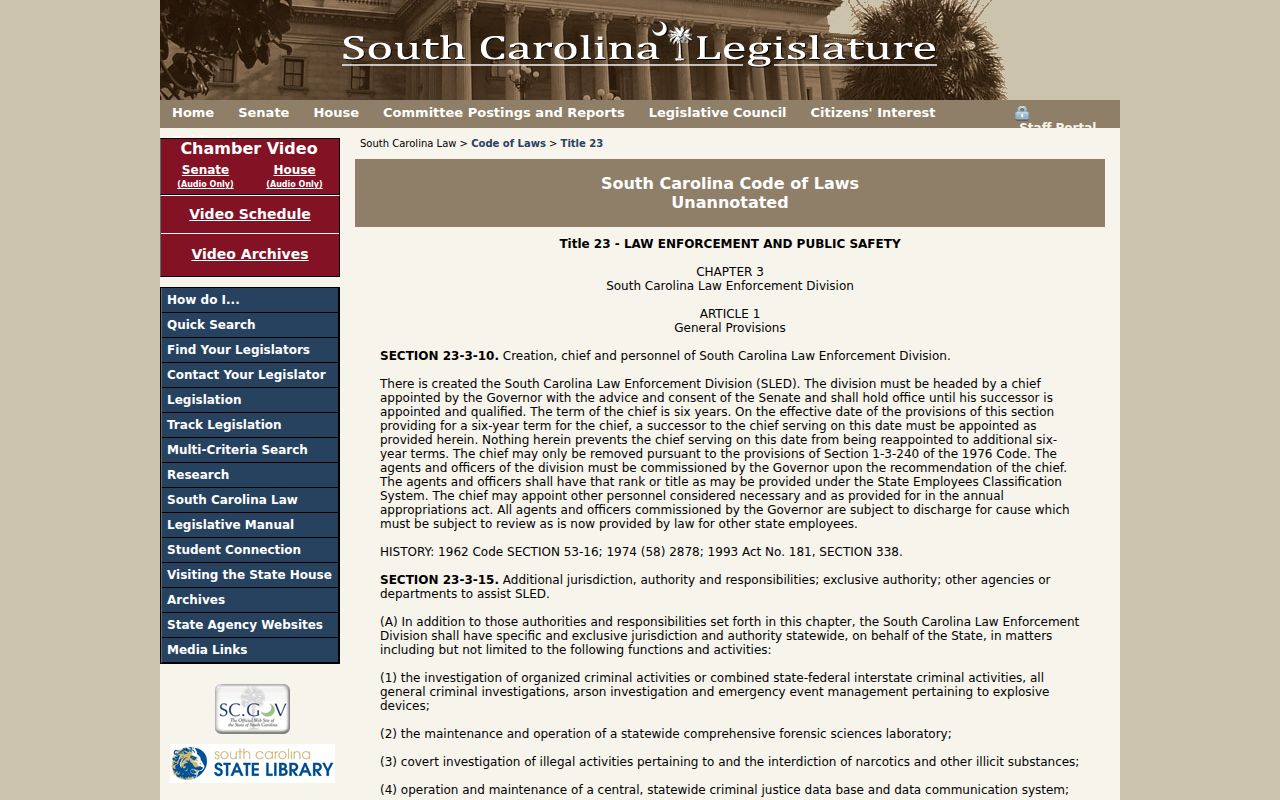
The statute is the controlling source when a profile summary and a legal duty need to be distinguished.
Sumter County Registry Removal Routes
SLED's administrative package for an eligible Tier I or Tier II request is paper based. It calls for the completed application, two recent FD-258 fingerprint sets, a $250 nonrefundable money order or cashier's check, sentencing and disposition records for every qualifying conviction, and official proof of completed treatment. The package goes to the SLED SOR Unit in Columbia. SLED states a 120-day review period once an application is complete.
A denied administrative request generally cannot be renewed before five years pass. Tier III follows a different route: the current law places a motion in Sumter County General Sessions after 30 years. In every tier, registration must continue while review is pending. Written approval, not the filing date or the age of the conviction, controls the end of the duty.
For SLED errors or questions, use sor@sled.sc.gov or 803-896-2601. For Sumter County registration or a report about possible noncompliance, call the Sheriff's Office at 803-436-2000 and ask for the SOR unit and current appointment location.
Lawful Use and Community Notification
Registry access supports personal, family, and community safety. It does not authorize harassment, threats, trespass, or vigilantism. A reported address can change, and SLED warns that registrant-supplied facts may not yet be independently checked. Use the official contact channels when an entry seems wrong or when immediate safety concerns require current information.
Use registry information lawfully: Under S.C. Code §23-3-510, using registry information to commit a crime can add punishment. Do not harass, threaten, trespass, or target anyone shown in SORT.
Questions about a Sumter County profile can go to SLED SOR at 803-896-2601 or sor@sled.sc.gov. The Sumter County Sheriff's Office handles local registration. If a search concerns a child or a protected juvenile record, ordinary public access can be limited by South Carolina confidentiality law.
The official juvenile-record provisions explain why some protected facts do not appear in a public Sumter County registry or court search.
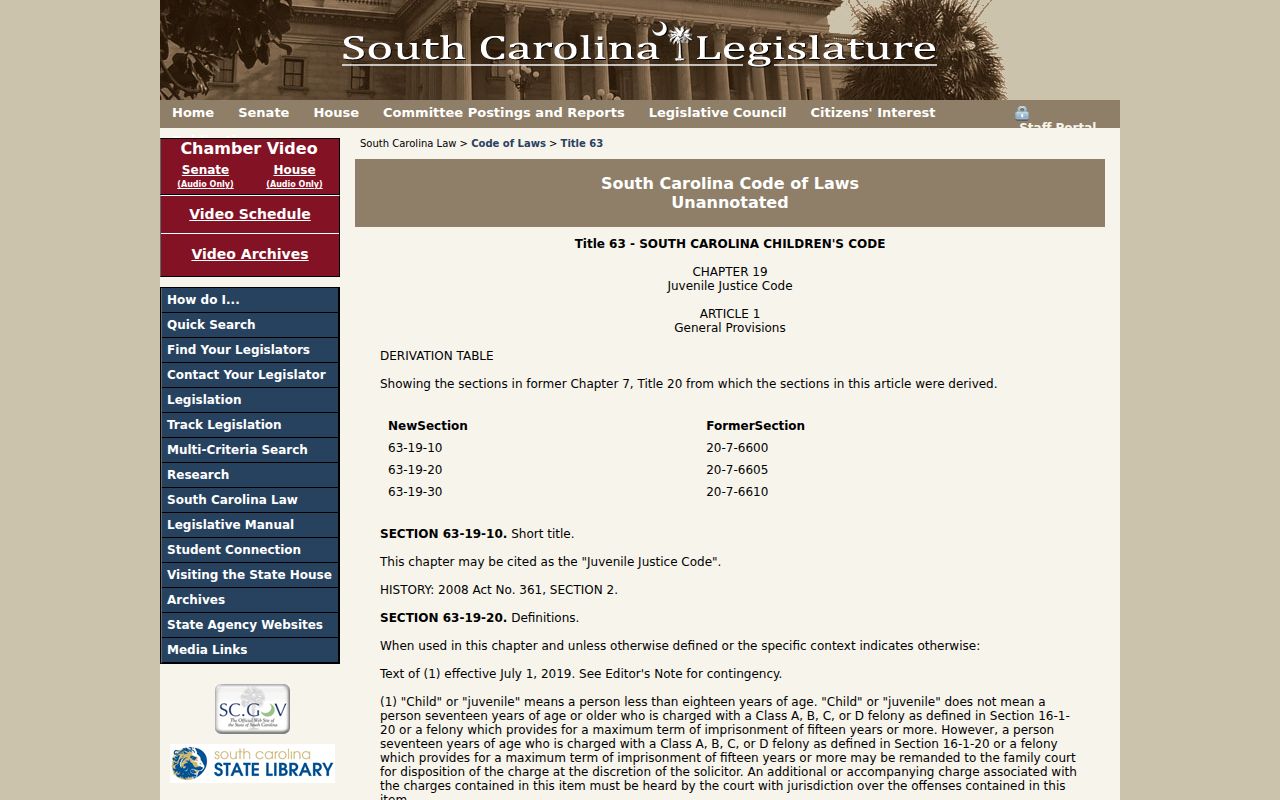
Those limits protect juvenile information while the public registry continues to show the adult records released under Title 23.
Sumter County Registry Contact Chain
Use the county and state offices for different questions. The official Sumter County Sheriff directory entry provides the local registration and reporting contact. SLED manages SORT, profile corrections, statewide guidance, alert access, and administrative removal applications. NSOPW is a search supplement and should not be the first office called about a South Carolina entry.
Sumter County Sheriff
1281 North Main Street
Sumter, SC 29153
803-436-2000
Ask for the SOR unit and current appointment location.
SLED SOR Unit
PO Box 21398
Columbia, SC 29210
803-896-2601
sor@sled.sc.gov
A profile concern should include only the facts needed to identify the entry and explain the issue. Keep a copy of any written correction request and follow the official instructions provided by the office.